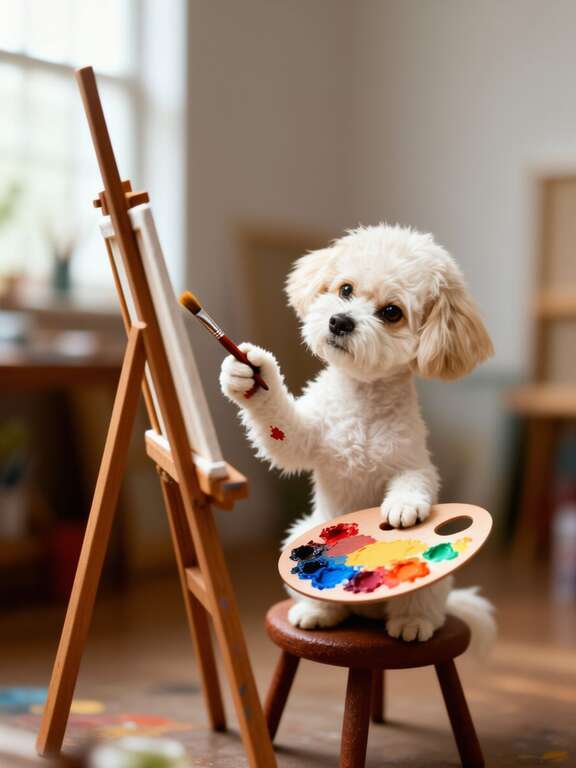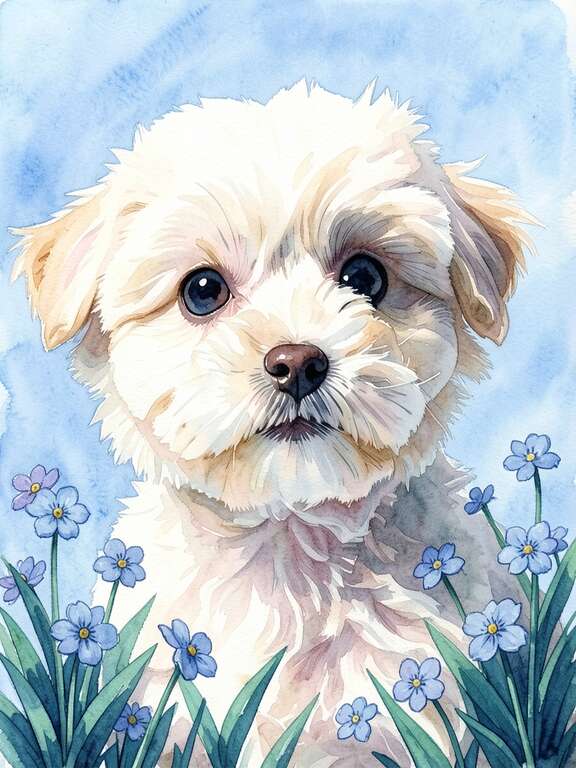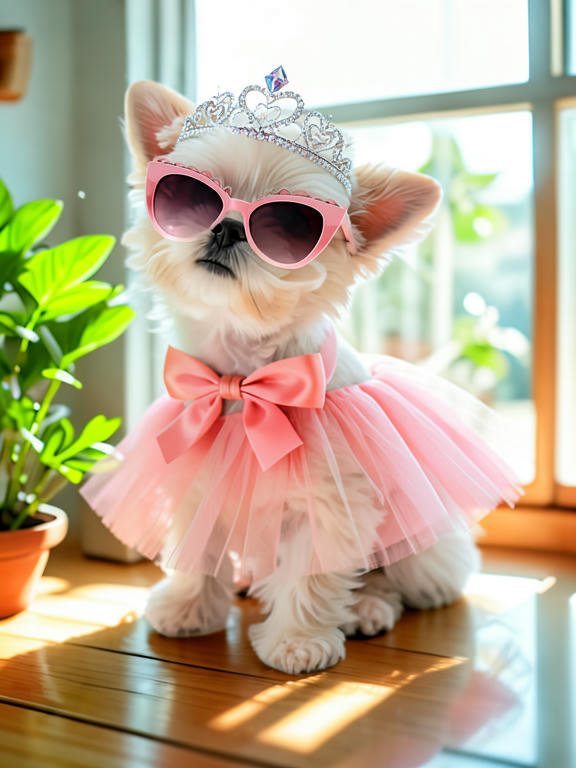
Digital pet art is any artwork of your pet created or delivered digitally, then printed or shared online. In 2026, pet parents have three main paths: AI powered apps like PawFav that transform photos in seconds (roughly $5 to $50 including printing), commissioned digital artists on Etsy or Fiverr ($30 to $200 or more, 1 to 3 weeks), and DIY creation using illustration tools like Procreate. Popular styles include watercolor, minimalist line art, Renaissance costume, pop art, botanical, and anime. All methods produce high resolution files that can be printed on canvas, metal, acrylic, or paper.
There's no single "best" way to create digital pet art. AI apps are fastest and cheapest, commissioned artists offer the most unique results, and DIY gives you maximum creative control. The right choice depends on your budget, timeline, and how much creative involvement you want.
What Is Digital Pet Art?
Answer: Digital pet art is any artistic portrait of your pet created in a digital format — as a file — before it becomes a physical print. It includes AI-generated portraits (apps like PawFav), commissioned digital illustrations (Etsy, Fiverr), and DIY work (Procreate, Krita). The file can be printed on canvas, metal, acrylic, or paper, or used digitally as wallpaper and social posts.
Digital pet art is any artistic portrait of your pet that's created digitally, meaning the artwork exists as a file before it becomes a physical print. This distinguishes it from traditional pet portraits, where an artist works in oil paint, charcoal, or watercolor on a physical surface.
The "digital" part refers to the creation process, not the final product. A digital pet portrait printed on canvas looks just as physical and tangible as an oil painting. The difference is what happens before it reaches your wall.
Three things make digital pet art distinct from traditional approaches. First, the original file can be resized and reprinted infinitely without degradation. If a canvas gets damaged, you just print another. Second, you can preview exactly how the art will look before committing to a print. Third, a single source photo can be transformed into dozens of different styles, so you're not locked into one artistic direction.
The category has grown rapidly because the creation tools have improved dramatically. Five years ago, "digital pet art" mostly meant commissioning an illustrator. Today it also includes AI tools that produce gallery quality results in seconds, and accessible DIY apps that put professional grade illustration tools on a tablet.
What Are the Most Popular Digital Pet Art Styles?
Answer: The most popular 2026 digital pet art styles are watercolor and painterly (warm, dreamy — best for living spaces), minimalist and modern (clean lines — sharp on metal/acrylic), and Renaissance and costume (regal and funny — the most shared on social media). Other favorites include pop art, botanical, anime/cartoon, geometric, line drawing, oil painting, and studio portrait.
One of the biggest advantages of digital pet art is the range of styles available. Here are the styles pet parents are gravitating toward most in 2026, with examples.
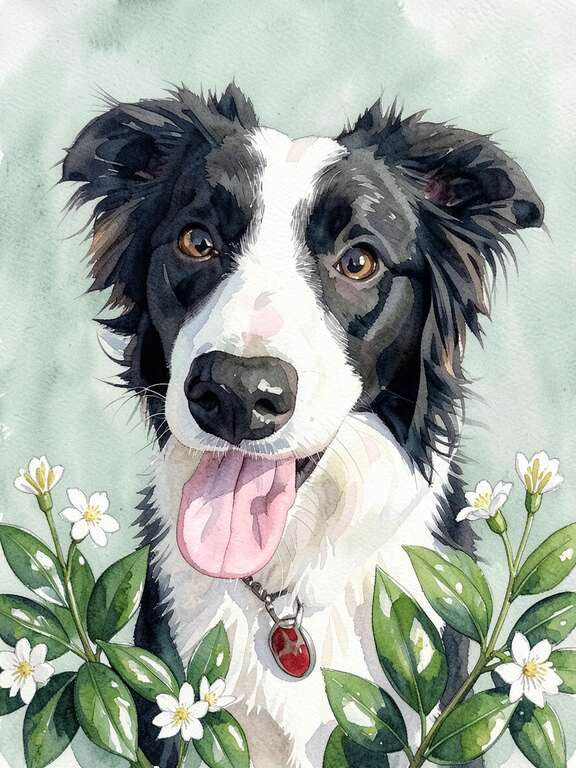
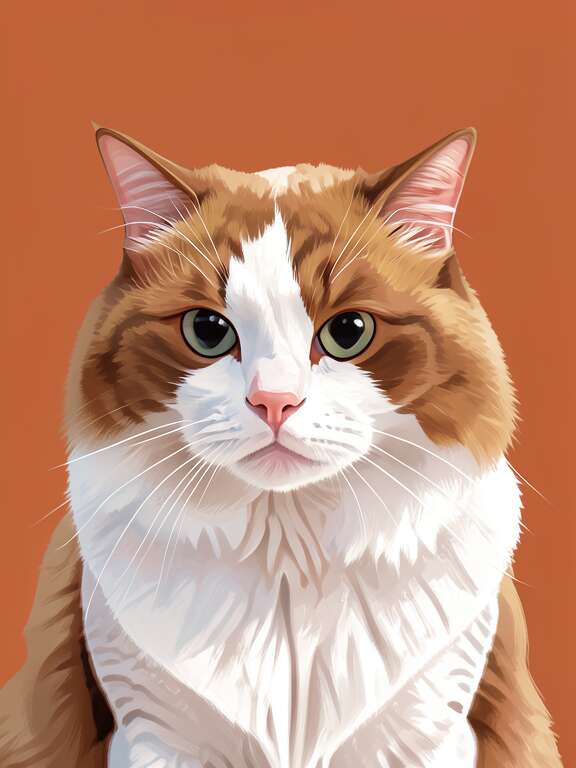
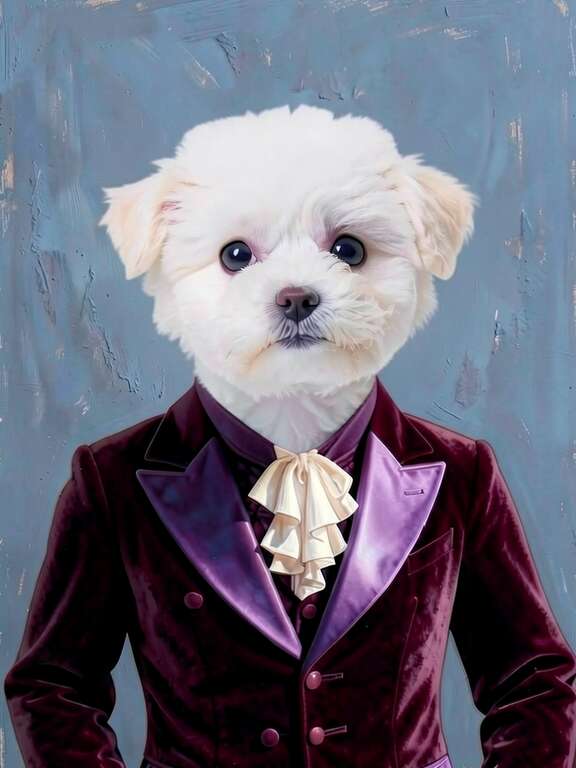
The style you choose should match both your aesthetic preferences and where the portrait will live. Watercolor and painterly styles feel warm in bedrooms, minimalist works in modern offices, and Renaissance is a guaranteed conversation starter in any common area.
What Are the Three Ways to Create Digital Pet Art?
Answer: Three methods. (1) AI apps like PawFav — $5 to $50 with print, results in seconds, no skill needed. (2) Commissioned artists on Etsy or Fiverr — $30 to $200+, 1 to 3 weeks, one-of-a-kind interpretation. (3) DIY with Procreate or Krita — free to about $13, hours to days, moderate-to-high skill, maximum creative control.
Each method has real strengths and real trade-offs. Here's an honest look at all three.
AI Powered Apps
Upload a photo, choose a style, get a result in seconds. Apps like PawFav use AI to transform your pet's image while preserving their unique features like markings, fur texture, and eye color. You preview unlimited styles before printing.
Commissioned Artists
Hire a digital illustrator on Etsy, Fiverr, or Instagram. Send your photo, describe what you want, and receive a one of a kind piece. The best artists bring distinctive personal style and interpretation. Most offer 1 to 3 revision rounds.
DIY Creation
Tools like Procreate ($13 on iPad), Clip Studio Paint, or free alternatives like Krita let you create portraits yourself. Import a reference photo and build your skills over time. Highest learning curve but deepest creative satisfaction.
| Method | Cost | Speed | Skill | Best for |
|---|---|---|---|---|
| AI apps (PawFav) | $5 – $50 with print | Seconds | None | Speed, styles, multi-pet |
| Commissioned artist | $30 – $200+ | 1 – 3 weeks | None | Unique, gifts, memorials |
| DIY (Procreate, Krita) | Free – $13 app | Hours – days | Moderate – High | Creative control |
Many pet parents use AI tools to quickly explore which styles and compositions work for their pet's features, then share those previews with a commissioned artist as a starting reference. This saves time for both sides and leads to better results.
How Do You Choose the Right Source Photo?
Answer: Use a sharp, well-lit photo taken in natural light with a clear view of your pet's face and eyes. The pet should look at or near the camera, and the shot should capture personality. Avoid flash, heavy face shadows, motion blur, extreme cropping, and dark environments. A good smartphone photo works perfectly. For commissions, supply multiple angles.
Every method, whether AI, commissioned, or DIY, starts with a good photo. You don't need a professional camera. Your smartphone is more than enough. What matters is a few specific details.
✓ What works
- Natural light (near a window, outdoors)
- Clear view of face with visible eyes and markings
- Sharp focus with no motion blur
- Pet looking at or near the camera
- Personality showing: the head tilt, the regal stare, the goofy grin
- Multiple reference photos from different angles (especially for commissions)
✗ What to avoid
- Flash photography (washes out detail, causes red eye)
- Heavy shadows across the face
- Extreme zoom or heavy cropping (causes graininess)
- Dark or low light environments
- Photos where your pet is too far away or partially hidden
- Blurry action shots unless the face is sharp
The best source photo captures something about who your pet is, not just what they look like. The photo where your dog looks like a distinguished professor, or your cat has that judgmental stare, or your rabbit is mid yawn? That's the one that becomes unforgettable art.
What Are the Best Printing and Display Options?
Answer: Canvas ($20-$60) is the most popular and suits painterly styles. Metal ($30-$80) is vibrant and durable — great for pop art and kitchens. Acrylic ($40-$120) is the premium, glass-like statement option. Fine art paper ($5-$25 plus frame) is the most affordable. Whichever you choose, ensure the file is at least 300 DPI at print size.
One of the biggest advantages of digital pet art is that you control the output completely. The same file can become a gallery wrapped canvas, a sleek metal print, or a phone wallpaper. Here are the main options with honest notes on each.
For sharp prints, your digital file should be at least 300 DPI at the intended print size. A 3000 by 3000 pixel file prints cleanly at 10 by 10 inches. Most AI apps and commissioned artists deliver files large enough for standard canvas sizes. If you're unsure, ask before you order a large print.
Beyond wall art, digital pet art files work as phone wallpapers, laptop backgrounds, greeting cards, mugs, tote bags, stickers, and social media posts. The file is yours to use however you want.
Which Method Is Right for You?
Answer: Match the method to what matters most. Need it today? AI app + local print. Want something no one else has, or a memorial piece? Commissioned artist. Want to explore styles or have multiple pets on a budget? AI app. Want to learn a creative skill? DIY. Many people use more than one over time.
Rather than a generic recommendation, here's a quick decision guide based on what matters most to you.
Find Your Fit
Many pet parents don't choose just one. A common pattern is to use an AI app for everyday portraits and gallery walls, commission an artist for a special memorial or milestone piece, and try DIY on a quiet weekend because the process itself is enjoyable. These aren't competing approaches. They're different tools for different moments.
Why Digital Pet Art Is Having Its Moment
Digital pet art sits at the intersection of three things people care deeply about: their pets, their homes, and creative self expression. The technology has caught up to the desire. You no longer need to spend hundreds of dollars and wait weeks to get a portrait that might not match what you imagined.
But the more interesting shift is cultural. Pet parents increasingly see their pets as family members whose presence deserves to be reflected in their home. A portrait isn't decoration. It's a statement about what matters. And digital tools have made that statement accessible to nearly everyone, regardless of budget or artistic background.
Whether you go the AI route, find an artist whose work moves you, or pick up a stylus and draw it yourself, the result is the same: your pet, transformed into something you'll want to look at every day.
That's the whole point.
Frequently Asked Questions About Digital Pet Art
How much does digital pet art cost?
AI pet art apps like PawFav cost roughly $5 to $50 total including printing, with subscriptions starting at $8.99 per month. Commissioned digital artists on Etsy typically charge $30 to $200 per portrait depending on complexity, and Fiverr artists range from $15 to $150. DIY digital art using Procreate is a one-time purchase of about $13 plus a tablet, with no per-portrait cost after that.
Can I create digital pet art myself?
Yes. DIY digital pet art is accessible with Procreate (around $13 on iPad), Clip Studio Paint, or free tools like Krita. Import a reference photo and use it as a guide while you paint. The learning curve is moderate to high, but there is no per-portrait cost once you own the software, and DIY offers the deepest creative control.
What is the difference between AI pet art and commissioned pet art?
AI pet art transforms your photo into artistic styles in seconds with instant previews and low cost, but it's limited to the styles the AI has learned. Commissioned pet art involves a human artist interpreting your pet in their own style over days or weeks — more expensive, but a truly one-of-a-kind perspective. Many people use AI for everyday portraits and a commissioned artist for special occasions.
What is the best way to print digital pet art for wall display?
Gallery-wrapped canvas ($20-$60) is the most popular and suits painterly and watercolor styles. Metal prints ($30-$80) deliver vibrant color for pop art and minimalist work. Acrylic prints ($40-$120) are the premium statement option. Fine art paper in a frame ($5-$25 plus frame) is the most affordable. Make sure the file is at least 300 DPI at your chosen print size.
Ready to Try It?
PawFav lets you preview dozens of styles on your pet's photo for free. No commitment, no printing required. Just see what your pet looks like as art.
Try PawFav Free